





Create from text
Start with a written idea when you do not already have a source image.
AI TOOLS
Create images, edit photos, animate stills, or turn text, webpages, and PDFs into video — all from one Ikat workspace.
Turn two photos into the viral Hotel Lobby AI rap duo performance.
Turn a photo, picture, or still image into an AI video with motion and camera direction.
Turn a text prompt into a new AI image — no source image needed.
Turn a public webpage into a new AI video concept.
Recolor an object or product while keeping the rest of the image consistent.
All tools
Start with an idea, an image, a webpage, or a PDF. Pick the shortest path to the result you want, then create in the same workspace.
Start with a written idea when you do not already have a source image.
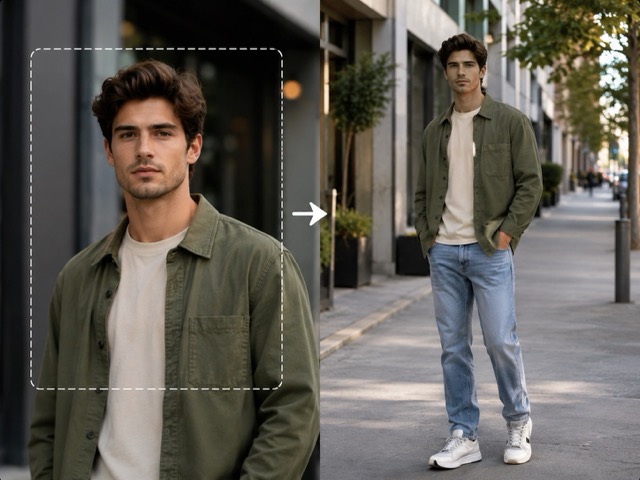
Use an existing image as the source for a new image or as the starting frame for video.
Choose a focused image workflow when the source already exists and the job is a specific transformation.
Start with a webpage or PDF when you want the source to shape the new video.
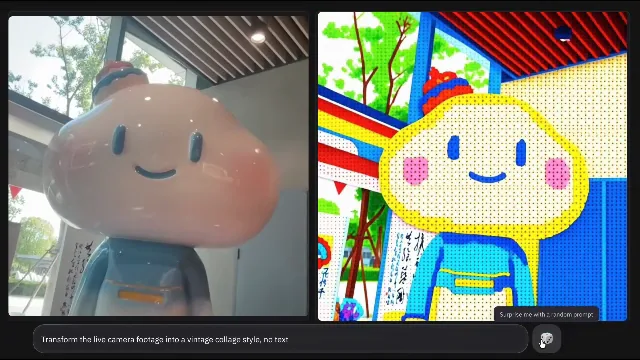
Use a focused video Job when you want a specific look or viral format without building the motion prompt from scratch.
Compare the current Image and Video models available in Ikat and choose the one that fits the job.
TOOLS FAQ
Use Text to Image when your prompt is the starting point and you do not need a reference image. Use AI Image Generator when you want the broader Image workspace and may also add one reference.
Use Image to Video. Upload a photo or still image, describe the motion or scene direction, then choose the video settings available for the selected model.
Yes. Image to Image supports prompt-directed transformation, while focused tools such as Change Color of Image and Full Body Picture are designed around specific image editing jobs.
Yes. Website to Video and PDF to Video use one webpage or PDF as reference context for a prompt-directed video workflow.
Ikat uses one Customer Credit wallet across supported image and video creation. The required Credits are shown before Generate and depend on the workflow and current generation settings.