

Free AI Video Generator
Turn a photo or a prompt into an AI video in one studio. Pick a model, see the cost first, then generate.
- Free signup Credits
- Up to 30s videos
- 3 video models
- Paid plans: no watermark, commercial use
- Pay once, Credits never expire
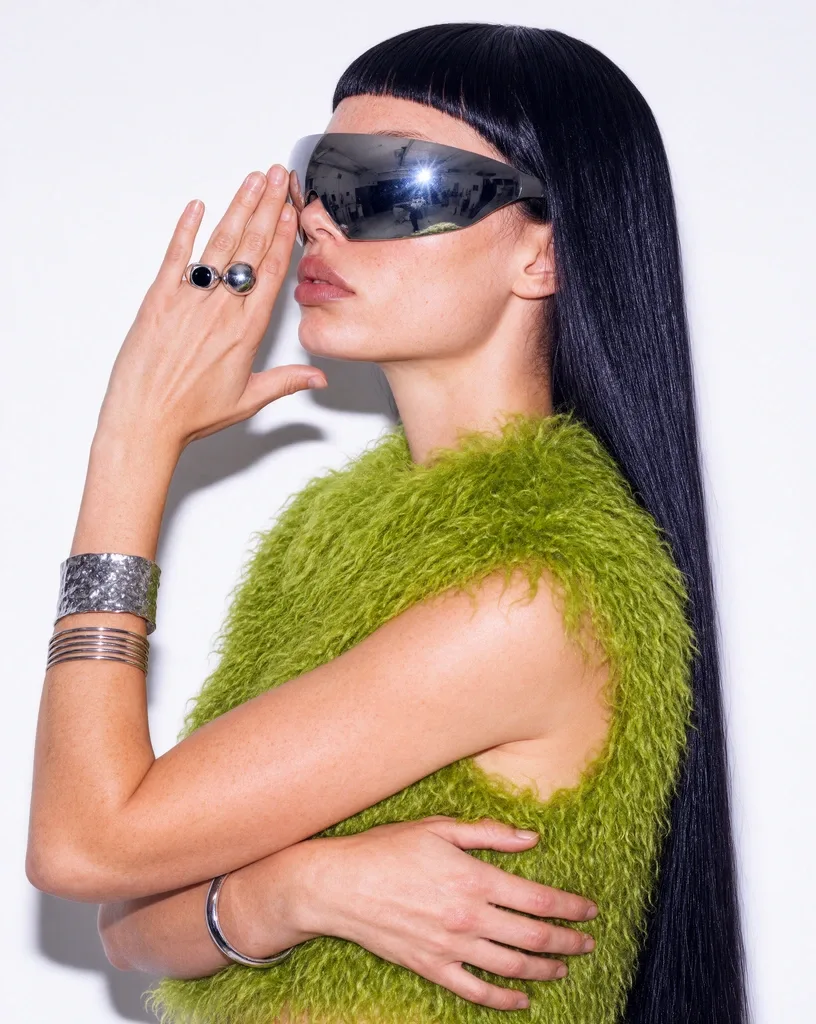
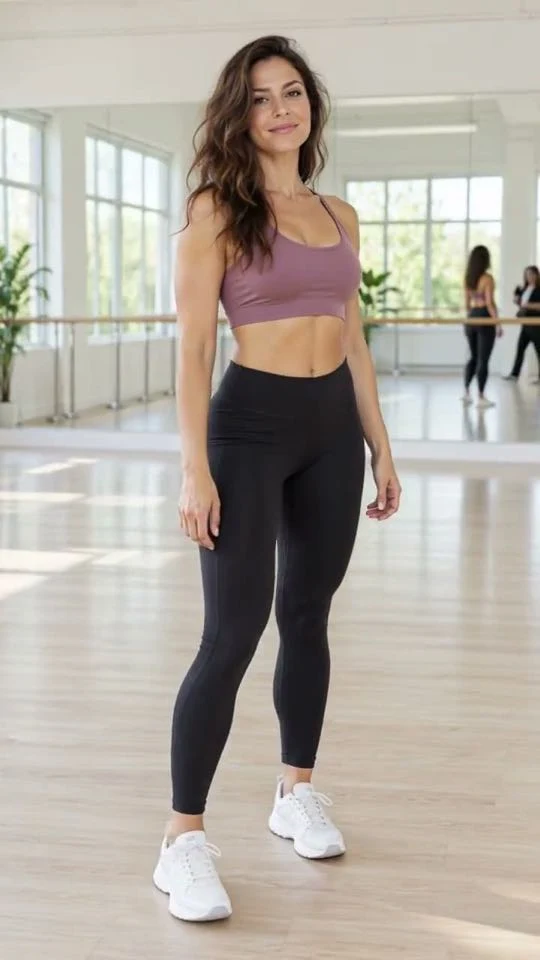
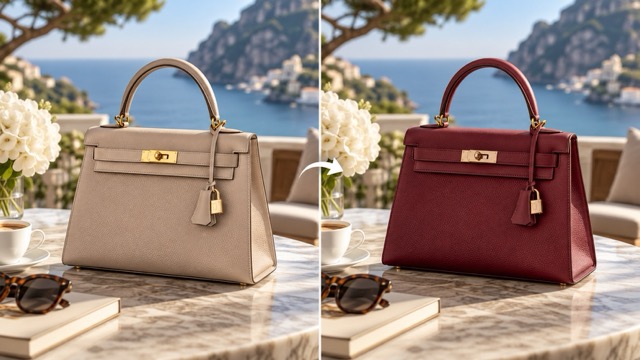
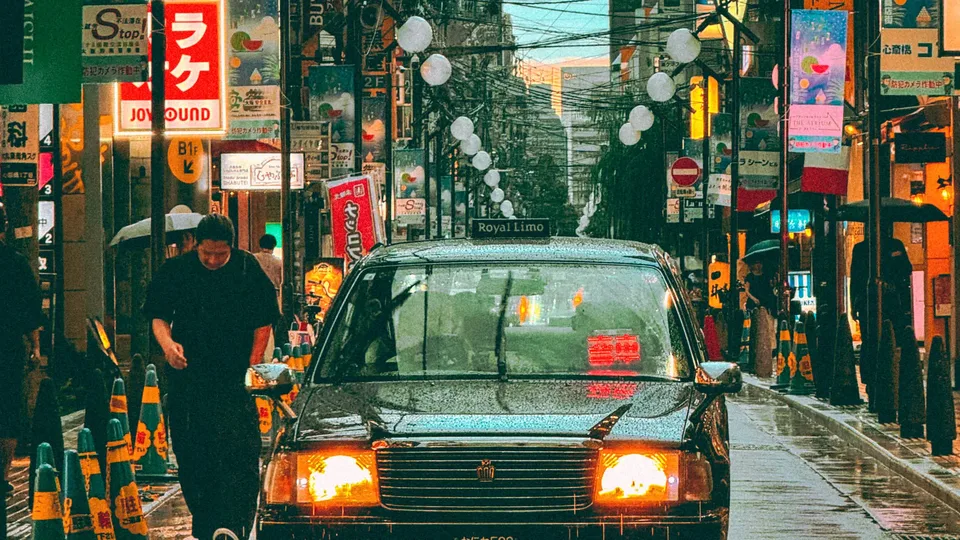
Explore AI Video Creations
Watch the video examples, explore different styles, and create your own with the model that fits your idea.
Create AI Videos from Images or Text
Animate a photo you already have, or describe a scene and let the model build it.
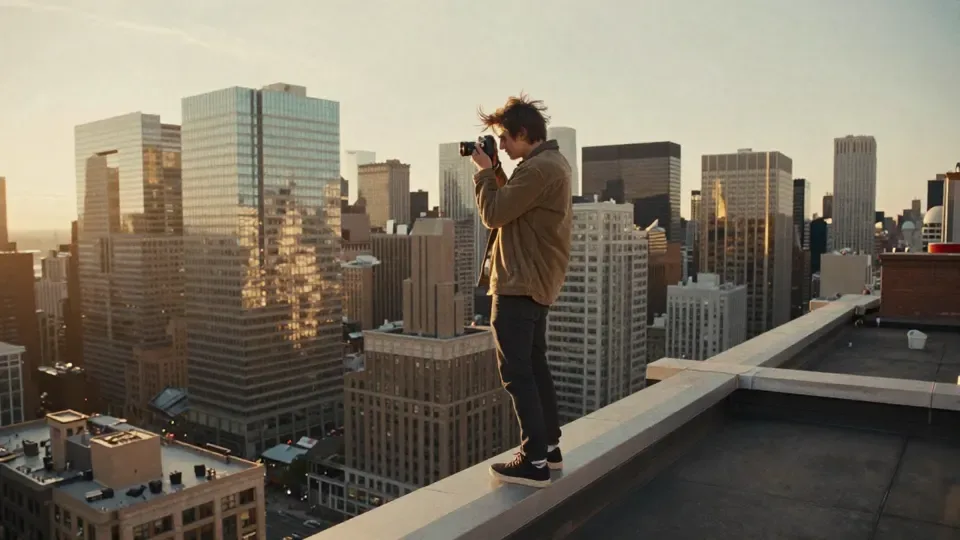 Your photoVideo
Image to Video
Upload a photo, describe how it should move, and turn the still frame into a video.Try Image to VideoText to Video
Describe the scene, the action and the camera move, and get a video from your prompt.Try Text to Video
Need a first frame? Make it here
Create or edit a still image in Ikat, then animate it with Image to Video.

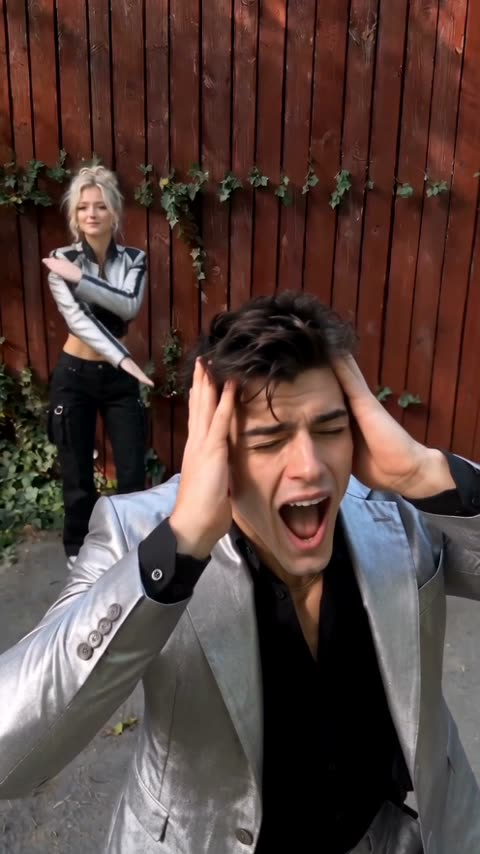
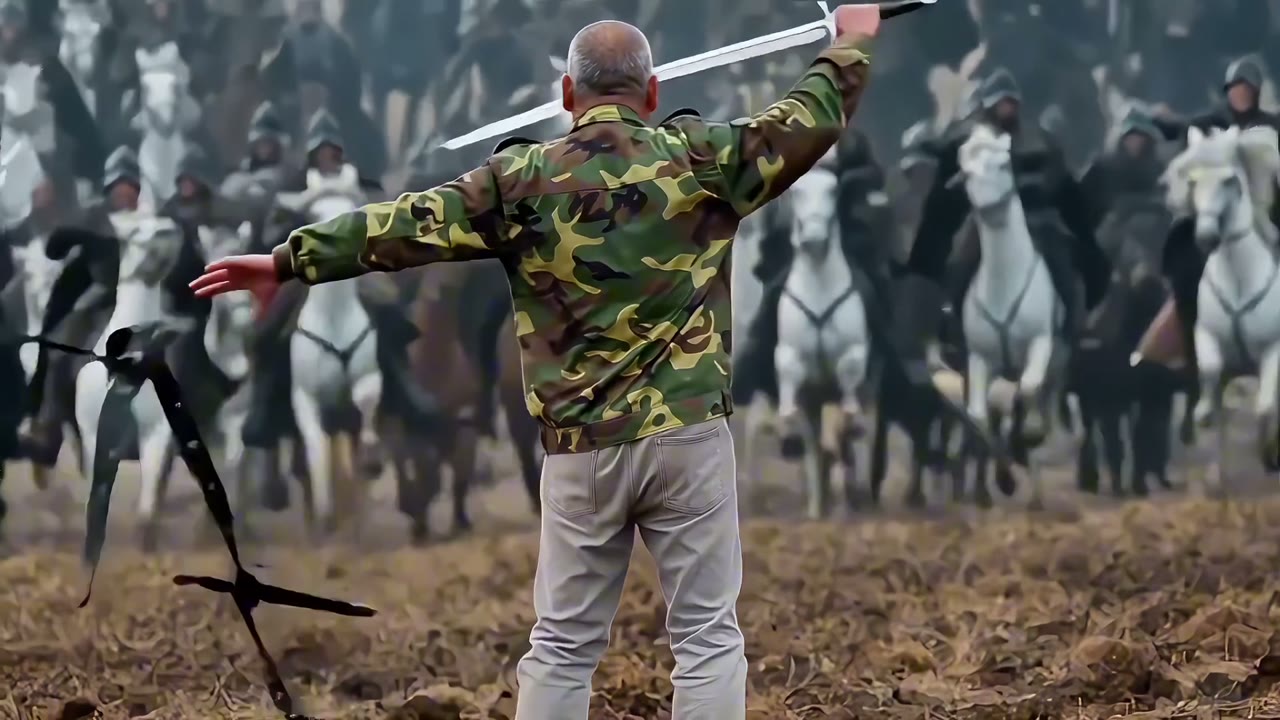
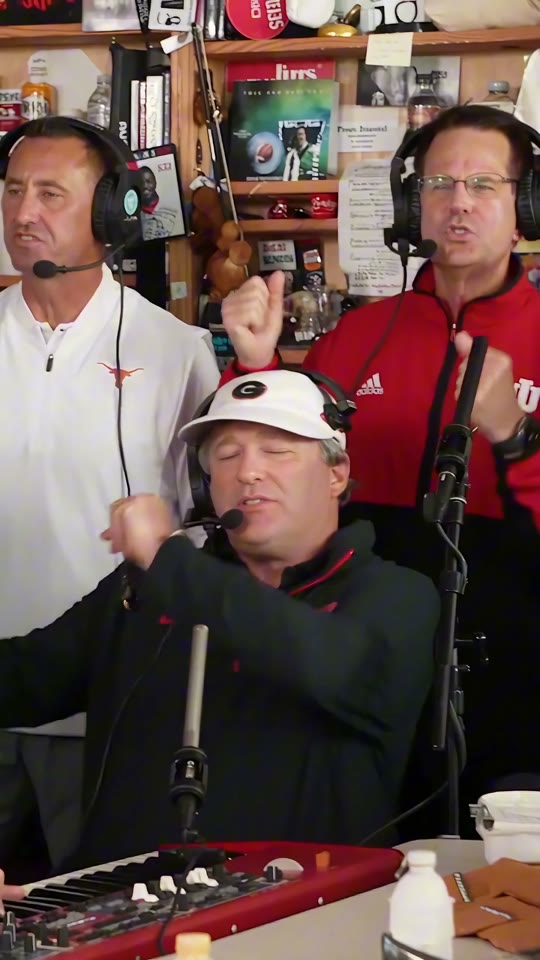
Choose an AI Video Model
Compare the video models currently available in Ikat, then open the one that fits your workflow.
How to Make an AI Video from Text or an Image
Start from a prompt with Text to Video, or upload a photo with Image to Video. The steps are the same.
Why Creators Use Ikat
What you get, what it costs to start, and what you can do with the result.
Your first video is free
Free signup CreditsNo watermark once you buy Credits
Buy any Credits and your new creations download without a watermark, licensed for commercial use.Longer clips, with sound
Make clips up to 30 seconds long, and pick models that generate audio with the video.Every video stays in My Creations
Your creations are saved to your account, so you can view and download them again whenever you need them.
Create More. Bring Every Idea to Life.
Make AI videos, try trending video effects, and create stunning images. Choose how you want to create with Ikat Credits.
AI Video Generator FAQ
Still have a question? Write to support@ikat.app.
What is an AI video generator?
An AI video generator turns a text prompt or source image into a generated video.
Can I try Ikat for free?
Free signup Credits
Do free creations have a watermark?
Yes. Creations made on the free tier include an Ikat watermark. After you buy Credits, your new creations download without a watermark.
Can I use my creations commercially?
Yes, after you buy Credits. Creations made after any Credits purchase come with a commercial use license, as described in our Terms of Use. Creations made on the free tier are for personal use only.
Can I create a video from text?
Yes. Use Text to Video to describe the scene, action, and motion you want.
Can I turn an image into a video?
Yes. Use Image to Video to upload a source image and describe how you want it to move.
Which AI video models can I use in Ikat?
You can currently use Seedance 1.0 Pro Fast, Seedance 2.5, and Wan 3.0 in Ikat. Available models may change over time.
How long can an AI video be?
It depends on the model. Current models make clips from 5 to 30 seconds, and Wan 3.0 offers the longest option.
Which resolutions can I choose?
Resolutions range from 480p up to 1080p, depending on the model. The Composer only offers the resolutions the selected model supports.
Can I add sound to my videos?
Yes. With Seedance 2.5 and Wan 3.0, you can turn generated audio on or off in the generator.
How do Ikat Credits work?
Credit cost depends on the selected model and settings. Ikat shows the required Credits before you generate.
Where are my generated videos saved?
Signed-in generations stay with your account in My Creations, so you can return to the result and keep going.
Create Your First AI Video
Start with text or an image, choose a model, and generate in Ikat.
Start Creating