Add one reference image before generating.
Change Color of Image with AI
Upload a photo, tell Ikat what to recolor and the new color, then generate a new version.
- Paid plans: no watermark, commercial use
- Pay once, Credits never expire
Change the Color of Clothes, Products, Cars, and Furniture
Tell Ikat what to recolor and the new color. Use the same photo to try another color on clothes, products, cars, furniture, packaging, and other visible objects.
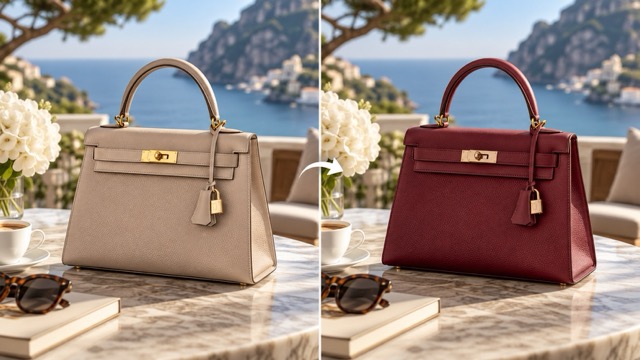
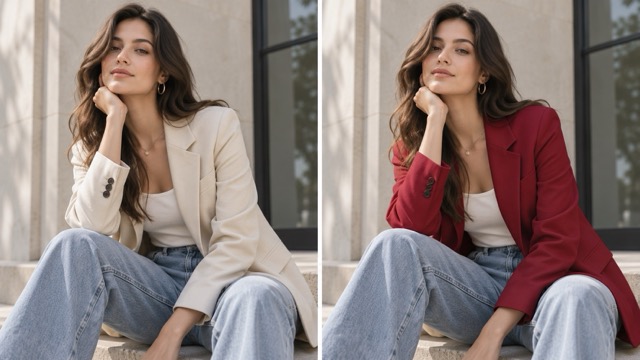
Clothing
Try another color on a jacket, dress, shirt, shoes, or accessory.
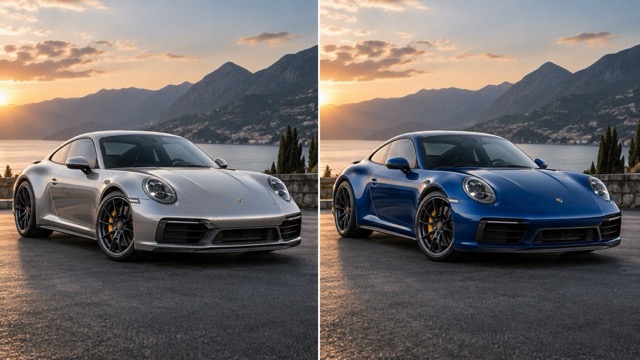
Cars
Preview another body color without starting from a different photo.
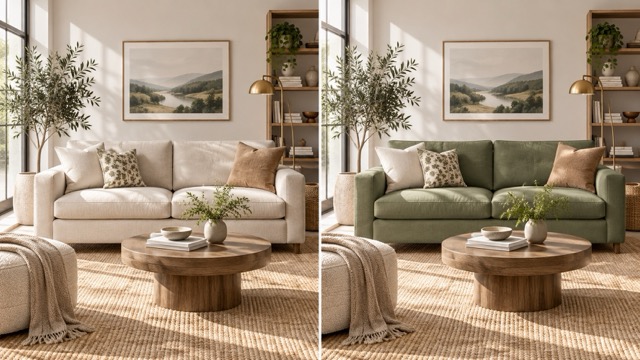
Furniture
Test a new sofa, chair, cabinet, wall, or decor color in the same room.
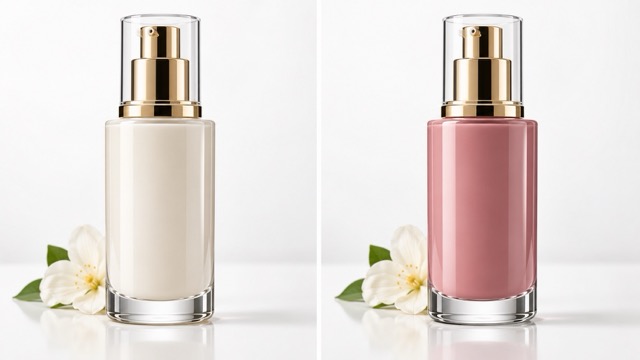
Products
Create quick color variations for bags, packaging, home goods, and product concepts.
How to Change the Color of an Image
- 01
Upload your image
Choose the photo you want to recolor.
- 02
Describe the change
Tell Ikat what object to change and the new color.
- 03
Generate and download
Review the result, then download it or keep editing.
What to Expect
AI creates a new edited image, so small details can change. Check the result if exact colors, logos, patterns, faces, or product details matter.
Related Image Tools
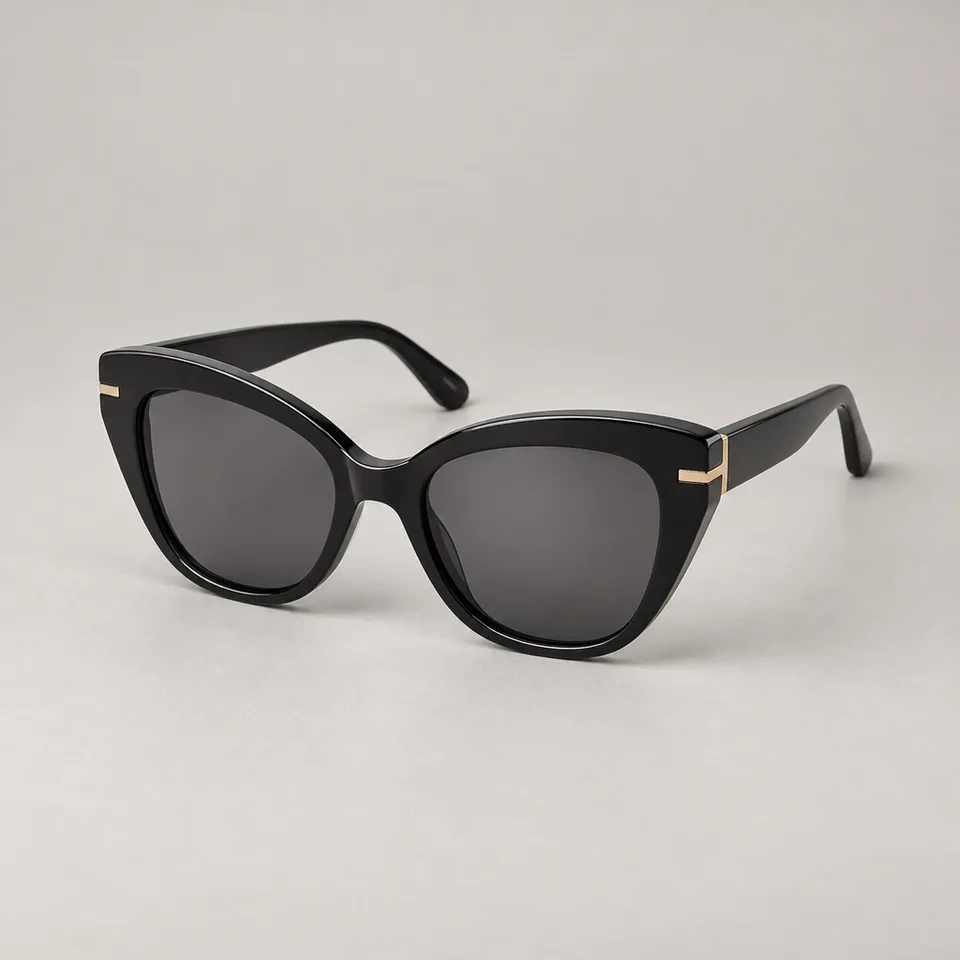 Before
 After
AfterImage to Image
Use your photo as a reference and ask Ikat for a different image edit.
Open Image to Image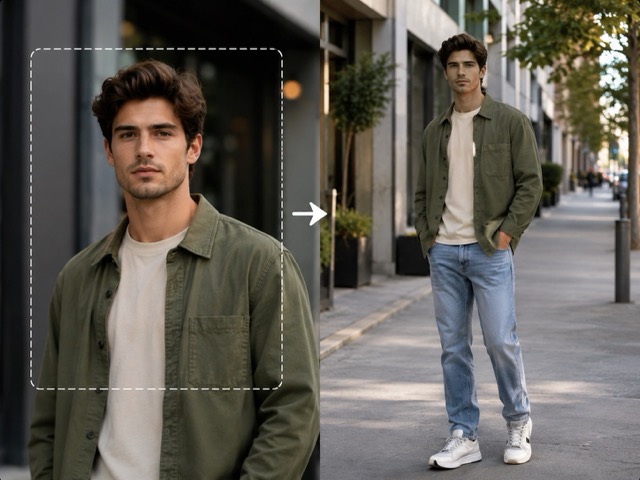
Make a Full Body Picture
Turn a cropped portrait into a complete full-body image.
Try Full Body Your photoVideo
Image to Video
Animate the recolored result as the starting frame for a video.
Animate Image
Change Image Color with AI
Still have a question? Write to support@ikat.app.
Can I change the color of just one object?
Yes. Upload the image and name the object you want to recolor, such as a shirt, bag, car, sofa, wall, or package.
Can I recolor clothes, products, cars, or furniture?
Yes. These are common uses as long as the object is clearly visible in the source image.
Can I use an exact color or HEX code?
You can describe the color you want, but Ikat cannot guarantee an exact HEX match yet.
Will the rest of my image stay the same?
Ikat uses your original image as the reference, but AI editing can still change small details. Review important faces, logos, patterns, and product details before using the result.
Try a New Color on Your Image
Upload a photo, describe the object and color, and generate a new version in Ikat.
Change Image Color