

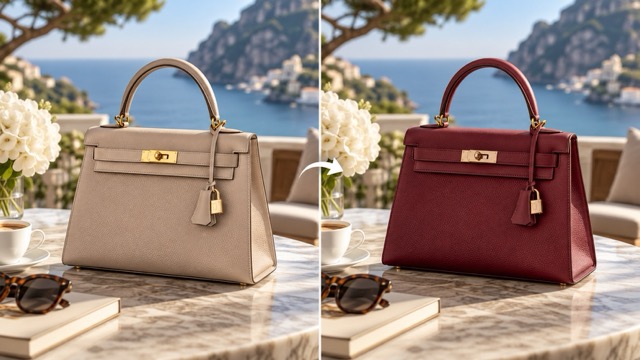
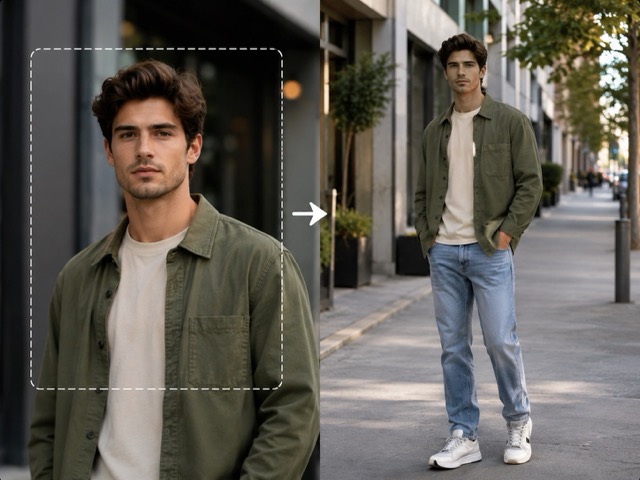
AI Photo & Video Effects
Choose an effect, upload a photo, and follow the instructions to generate an edited image. You don't need to select an AI model or write a complicated prompt.
- No watermark
- Commercial use
- Pay once, Credits never expire
How to Use AI Photo Effects
Your results appear on the effect page and in My Creations, where you can view and download them. New effects are marked New for their first two weeks.
- 01
Pick an effect
Choose an effect above to open its editor.
- 02
Add your photo
Each effect page says what it needs. Clear, well-lit photos where the subject is easy to see work best.
- 03
Generate and download
See the Credit cost before you generate. When your image is ready, preview it and download it.
Effects FAQ
Still have a question? Write to support@ikat.app.
Do effects cost credits?
Yes. You'll see the Credit cost before generating. If a generation fails after Credits are charged, those Credits are returned.
Do I need an account?
You can open any effect without signing in. To generate, sign in with Google; you return to the same page with your photo and settings still in place.
Where do my results go?
Your finished images appear on the effect page and in My Creations, where you can preview and download them.
Which photos work best?
Use a sharp, well-lit photo where the subject is clearly visible and not covered. Each effect page lists anything specific it needs.
How often are new effects added?
New effects are added over time. Recently published effects are marked New for two weeks, and selected trending effects may be marked Hot.