

Wan AI Video Generator
Make videos with Alibaba's Wan model, Wan 3.0. Start from a prompt or a photo, check the cost, then generate.
- Paid plans: no watermark, commercial use
- Pay once, Credits never expire
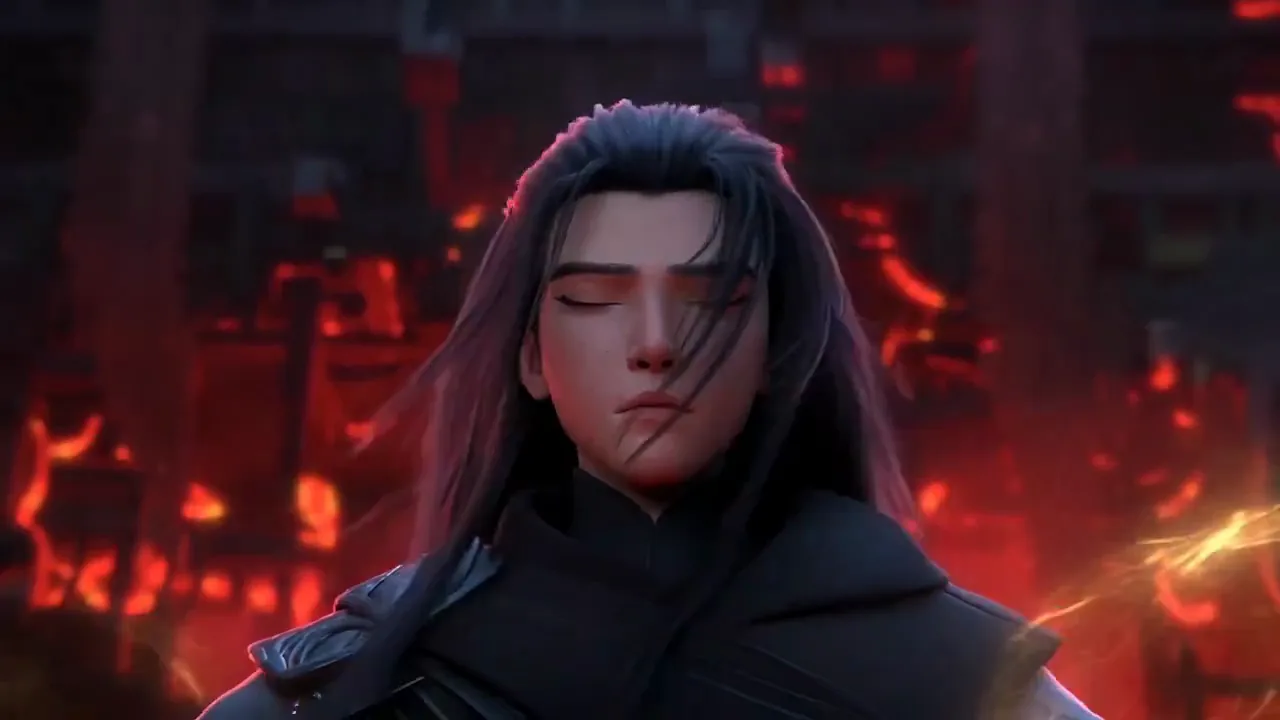
See Wan in motion
Explore Wan video examples, then create your own video using the generator above.
What is Wan?
Wan is the AI video model family from Alibaba. It turns a text prompt or a start image into a video clip and works well for grounded, physically readable motion.
In Ikat you can use Wan 3.0 for clips up to 30 seconds, from the same generator and Credit balance as every other model.
What Wan does well
Natural-Looking Movement
Describe how people, objects and the camera move so your video has a clear, believable action.
Keep Characters and Objects Consistent
Tell Wan which details should stay the same, such as a character's outfit, a product's shape or the background.
Create Longer Video Clips
Use longer durations for scenes that need more time, such as a camera move through a room or a complete action.
Wan 3.0 settings
These are the options the generator offers for each model. Image to Video follows the shape of your photo, and the exact Credit cost appears before you generate.
- Length
- 5s · 10s · 15s · 30s
- Resolution
- 480p · 720p · 1080p
- Aspect ratio
- 16:9 · 9:16 · 1:1 · 4:3 · 3:4
- Sound
- Optional
- End frame
- Yes
- From
- 20 Credits
Wan FAQ
Still have a question? Write to support@ikat.app.
Is Wan free?
New accounts receive free Credits. No card required.
How many Credits does Wan use?
Wan 3.0 starts at 20 Credits. Longer clips and higher resolutions cost more, and the generator shows the exact cost before you generate.
How long can Wan videos be?
Wan 3.0 makes 5, 10, 15, or 30-second clips at up to 1080p. The generator only offers the lengths and resolutions the selected model supports.
Can Wan make videos with sound?
Wan 3.0 offers generated audio as an option.
Can I animate my own photo with Wan?
Yes. Add a photo as the start frame and describe how it should move. The video follows the shape of your photo. Wan 3.0 can also take an end frame to set where the shot lands.
How do I write a good Wan prompt?
Name the moving subject, its direction and speed, the camera path, what stays fixed, and the final state you want.
Can I use Wan videos commercially?
Yes, after you buy Credits. Videos made after any Credits purchase come with a commercial use license and download without a watermark, as described in our Terms of Use. Creations made on the free tier carry an Ikat watermark and are for personal use only.
Compare other video models
Each model differs in length, sharpness, sound and starting cost, and every one runs on the same Credit balance.
| Model | Seedance 2.5 |
|---|---|
| Duration | 5s · 10s · 15s |
| Resolution | 480p · 720p · 1080p |
| Audio | Audio On / Off |
| Starts at | 90 Credits |
Make your first Wan video
Write a prompt or add a photo, check the Credit cost, then generate.
Create with Wan