Hop Hop Hop AI Video Generator
Turn two photos into the viral Hop Hop Hop dance. One person points and lowers a flat hand, the other hops and squats as if squished, then a quick cut swaps them. You get a 9-second vertical video from 140 Credits, with no prompt writing.
How to Make a Hop Hop Hop AI Video
You don't need to film the dance or edit a video. Add two photos and Ikat creates the effect.
Upload two photos
Add one clear photo of each person. The Front Performer starts near the camera; the Back Performer starts behind.
Choose your settings
Pick the quality, the number of videos and Generate Audio, then check the Credits shown.
Generate and download
Click Generate. When your video is ready, watch and download it in My Creations.
Two Photos, One Hop Hop Hop AI Video
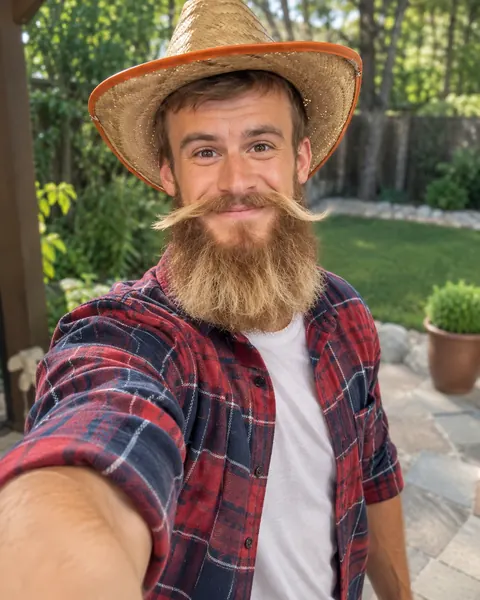
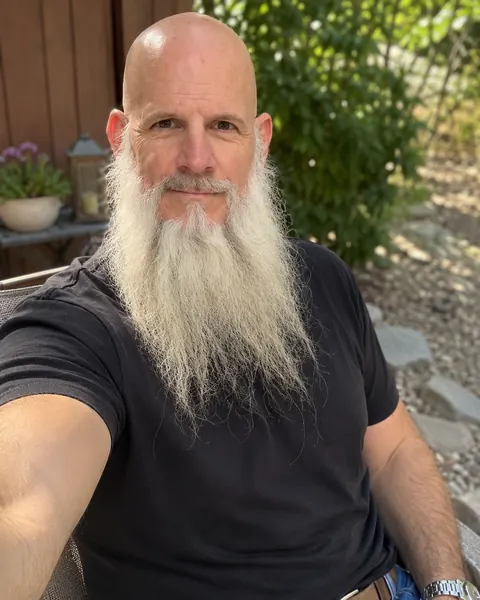
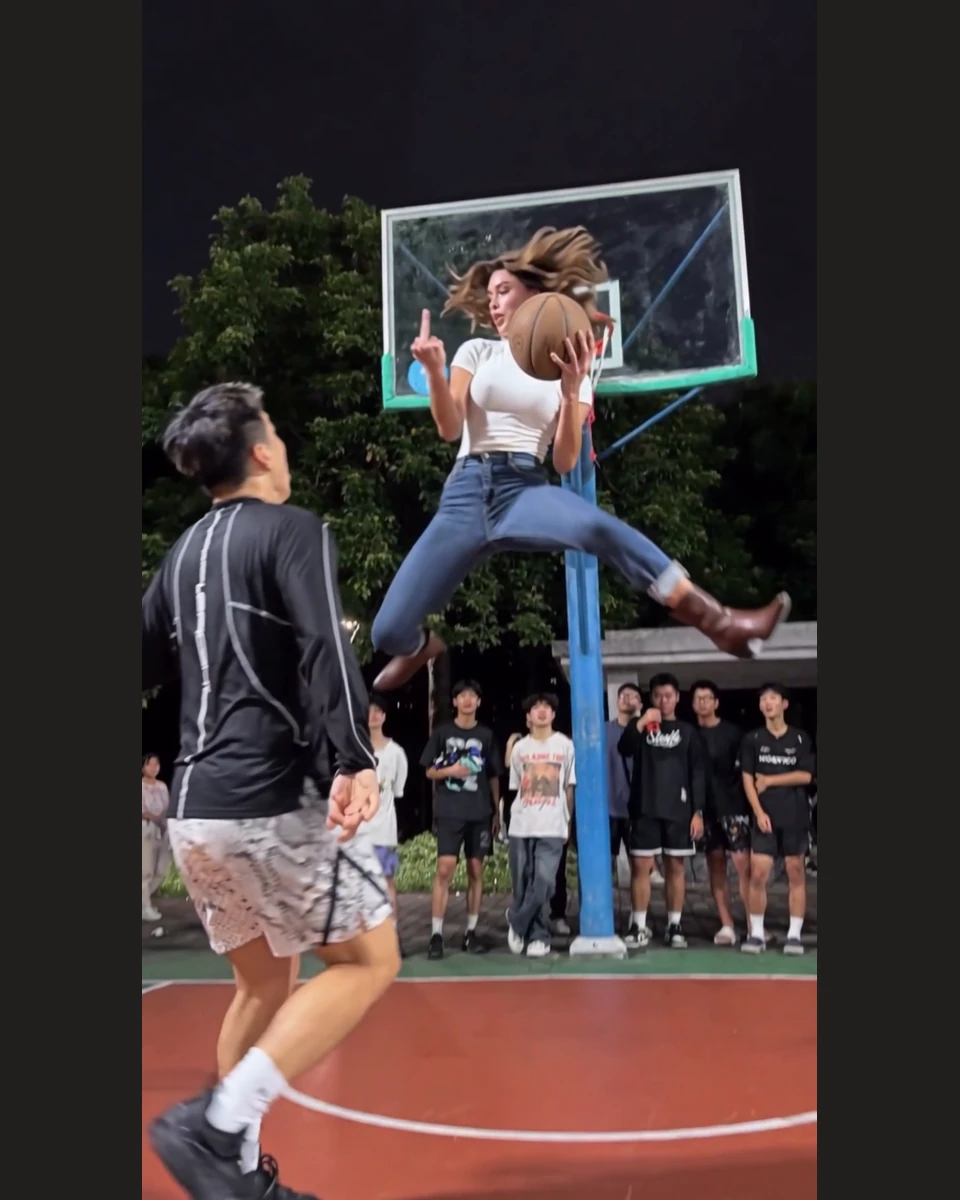
The finished dance
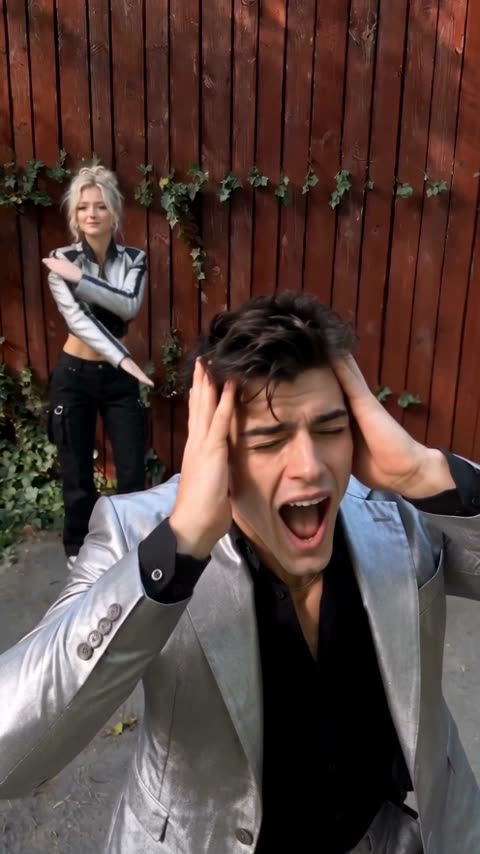
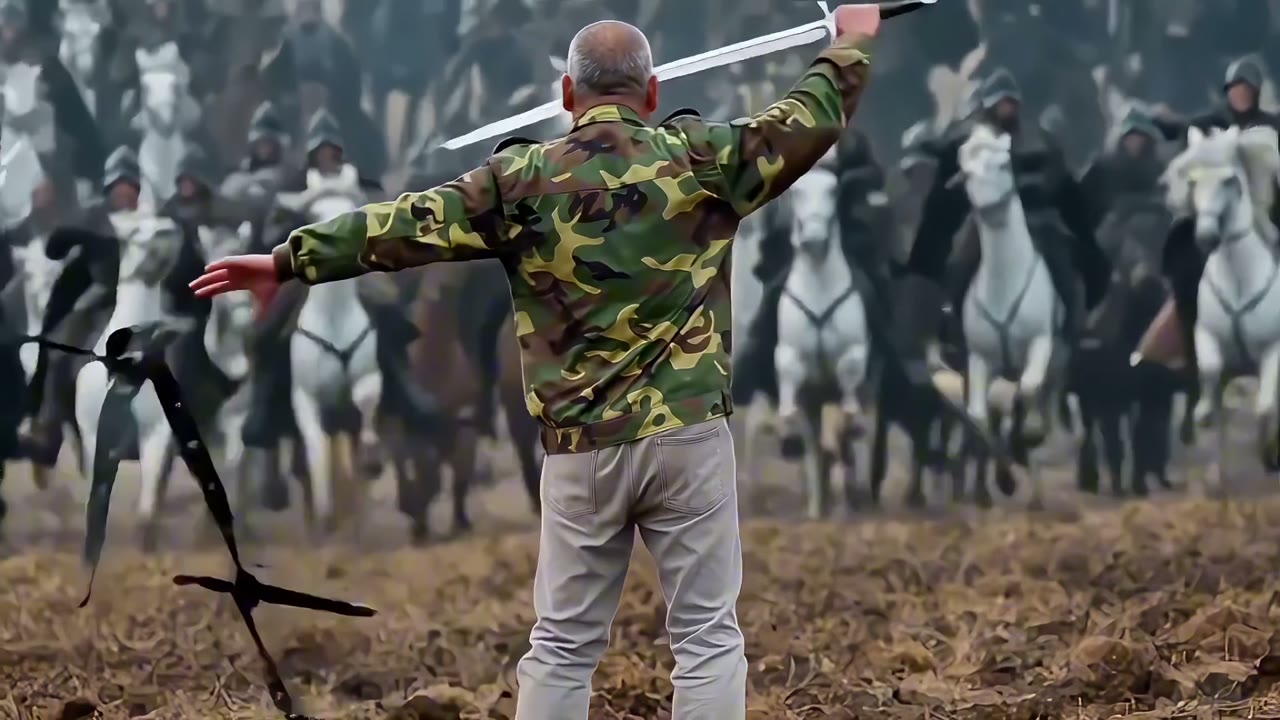
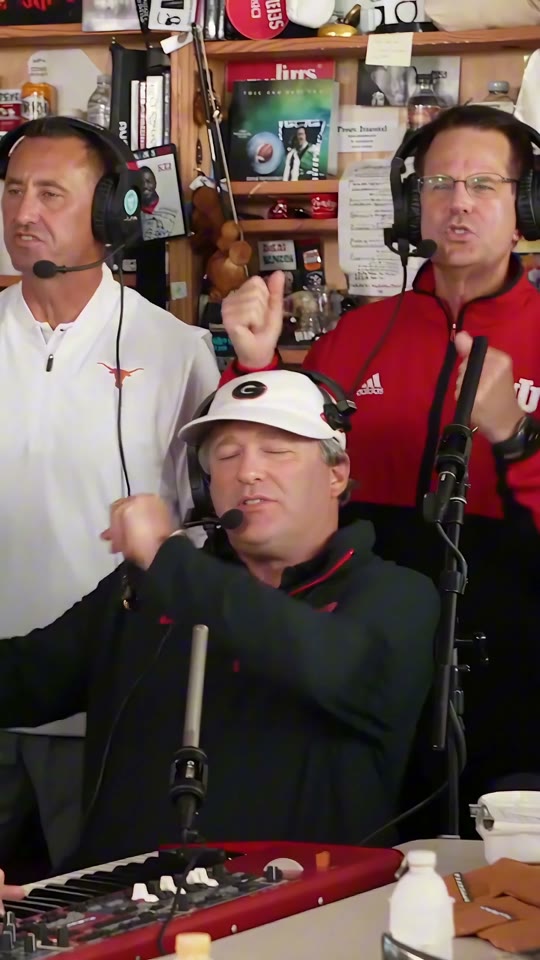
Hop Hop Hop Trend Examples
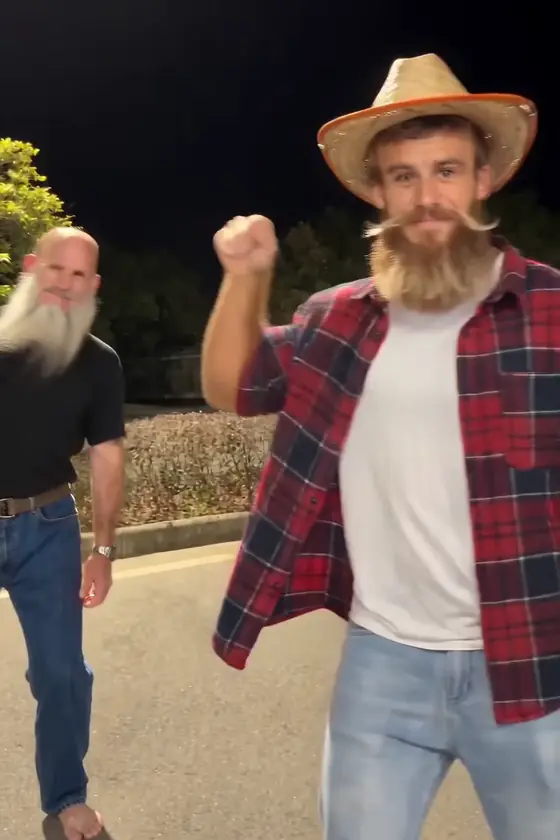
The same two-person trend in three very different looks.
Animated characters
Cosplay duo
Friends at home
Hop, Squish and Swap
The Hop Hop Hop dance is a camera trick: the near hand looks huge, so the far person seems to get pushed down. Each performer keeps their own look when they trade places, so you and a friend both get a turn.
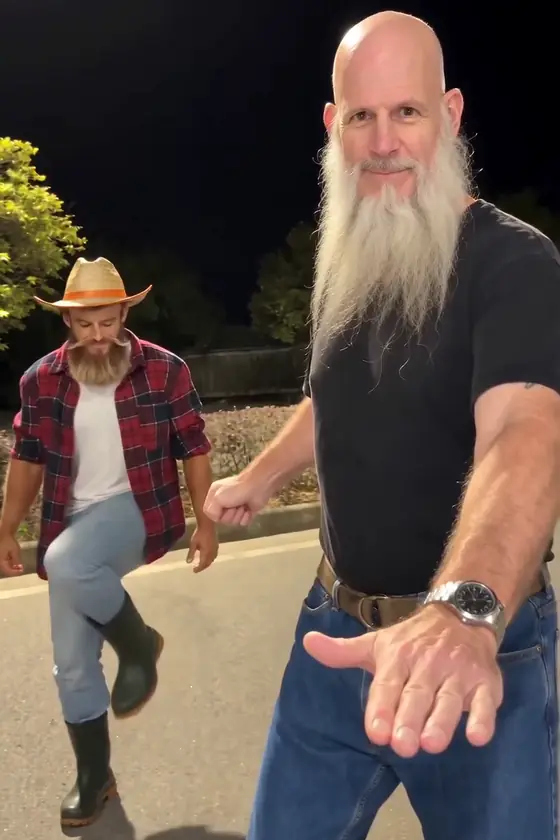 0:02
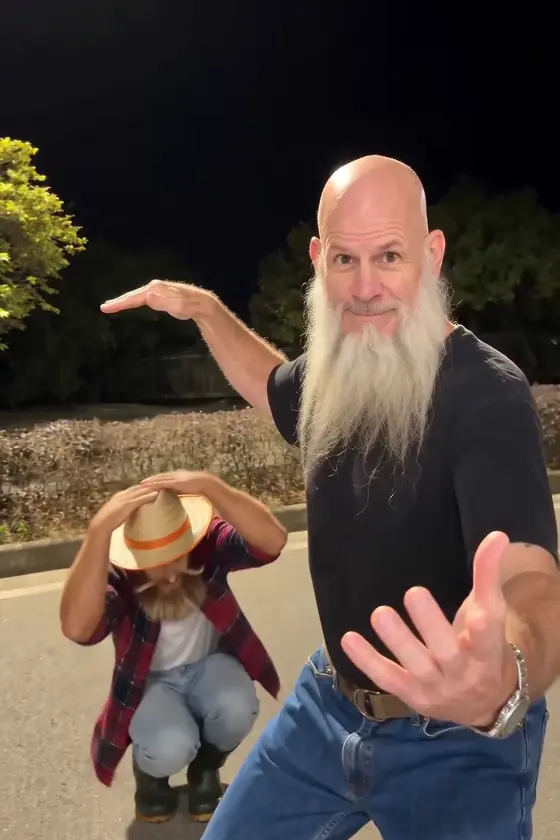 0:04
 0:05
- 0:02
Point and hop
The Front Performer points back from up close while the Back Performer sways and hops.
- 0:04
Squish
A flat hand comes down. From the camera angle, it pushes the far performer into a deep squat.
- 0:05
Swap
A quick cut puts the second person up front, and the move repeats the other way around.
What Is the Hop Hop Hop AI Dance Trend?
Hop Hop Hop is a short two-person dance trend that spread across TikTok in October 2026. One performer stands close to the camera while the other dances farther away. The one up front points, then lowers a flat hand so the far performer hops and squats as if squished. Then comes the Hop Hop Hop swap: a sudden cut trades their places and the move repeats.
People also search for it as the Gabi trend or “squished or get squashed”, and different clips use slightly different moves. AI remakes let people put their own photos into the dance without filming both performers. Ikat makes a new video using the people in your two uploaded photos.
Want to animate one photo with your own prompt instead? Try the Image to Video AI Generator.
- Photos needed
- 2
- Video length
- 9 seconds
- Format
- Vertical 9:16
- Price
- From 140 Credits
- Credit pack
- $9.99 = 200 Credits
- Sound
- Silent or AI music
Best Photos for a Hop Hop Hop AI Video
Clear photos help the AI keep each person recognizable during the dance.
One person per photo
Avoid group pictures or crowded backgrounds.
Show the face clearly
Good lighting and a front-facing photo work best.
Include the outfit
A waist-up, knee-up or full-body shot can help with the dance.
Keep both roles separate
Use a different photo in each slot and check the order before generating.
Make a Hop Hop Hop Video for TikTok or Reels
Download your finished video and share it on TikTok, Instagram Reels or YouTube Shorts. Ikat does not include the original song, so add the trending sound on the platform where you post.
- TikTok
- Instagram Reels
- YouTube Shorts
Hop Hop Hop AI FAQ
Still have a question? Write to support@ikat.app.
What is the Hop Hop Hop AI video trend?
It's a short two-person dance trend in which one performer starts close to the camera and the other stands farther back. The one up front points and lowers a flat hand, the other hops and squats as if squished, then a quick cut swaps them. Some people call it the Gabi trend.
How do I make a Hop Hop Hop AI video with my photos?
Upload one clear photo of each person to the Hop Hop Hop AI Video Generator on Ikat. Choose your video settings, check the Credits needed and click Generate. You can watch and download your finished video from My Creations.
Do I need two photos to make a Hop Hop Hop AI dance?
Yes. This Ikat template uses two photos, one for each performer. The Front Performer starts close to the camera and the Back Performer starts farther back. They swap positions halfway, and each person keeps their own look. To change who starts in front, switch the photos.
Does Hop Hop Hop AI replace the whole person or just the face?
The template uses your photos to recreate the two performers, including their faces, hair and visible appearance, not just a face swap. The dance, expressions and camera movement follow the video template. Results may vary with the photos.
What photos work best for Hop Hop Hop AI?
Use one well-lit photo per person with the face clearly visible. Waist-up, knee-up or full-body photos can help show clothing and body proportions. Avoid blurry images, heavy filters and group photos.
How long is the Hop Hop Hop AI video, and what does it cost?
The video is 9 seconds long in vertical 9:16. 480p costs 140 Credits, 720p 300 and 1080p 750 per video. More videos multiply the cost, sound does not change it, and Ikat shows the total before you generate. The $9.99 Credit pack includes 200 Credits, enough for one 480p video. If a video fails, your Credits are returned.
Does the Hop Hop Hop AI video include the original TikTok song?
No. The trend sound is often credited as the Russian song “Её парень” (“Her Boyfriend”), but Ikat does not include it. Videos are silent by default. If you turn on Generate Audio, Ikat creates original music for your video. To use the trending sound, add it when you post on TikTok or another platform.
Is Hop Hop Hop AI free to use?
No. Hop Hop Hop AI is a paid effect. A 480p video costs 140 Credits, and the $9.99 Credit pack includes 200 Credits. Ikat shows the Credits needed before you generate, and videos made after a Credits purchase download without a watermark.
Do I need CapCut or TikTok to make the Hop Hop Hop AI video?
No. You can upload your two photos and create the video in your browser with Ikat. Download the result when it is ready, then share it wherever you like. Ikat is independent of TikTok, CapCut and the original trend creators.
Make Your Own Hop Hop Hop AI Video
Upload two photos, choose your quality and put yourself and a friend into the Hop Hop Hop dance.