Middle Finger Dunk AI Video Generator
Turn yourself and a friend into the Middle Finger Dunk AI meme. Upload two photos, choose who dunks and who defends, and recreate the viral 9-second basketball video online.
Watch the Middle Finger Dunk Move
The takeoff, the mid-air taunt, the second gesture after landing, and the defender's reaction. See the basketball moment before making it your own.
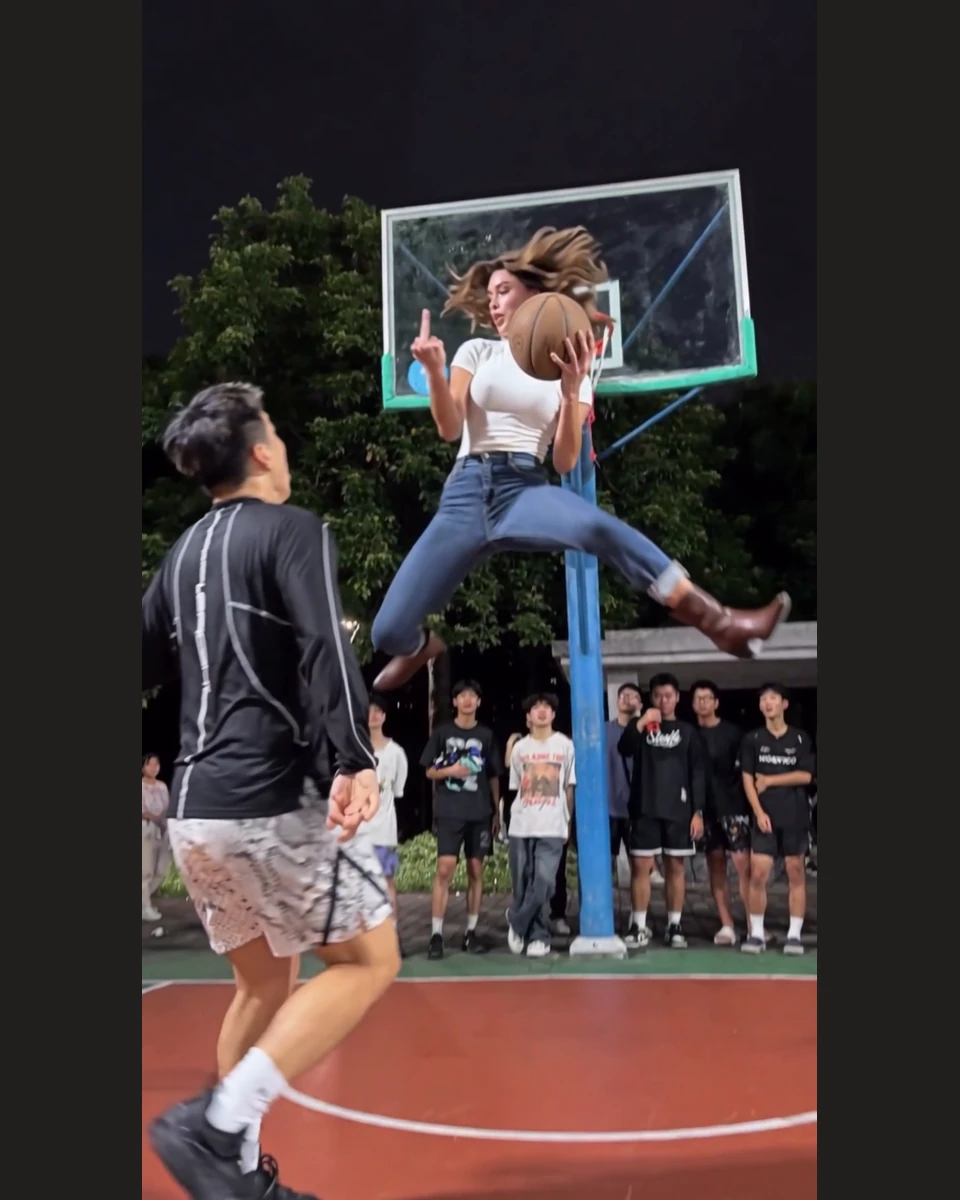
The Mid-Air Taunt
In the Original Basketball reference, the Dunker makes a middle-finger gesture while airborne and repeats it after landing. Ikat's AI remake aims to preserve both signature moments.
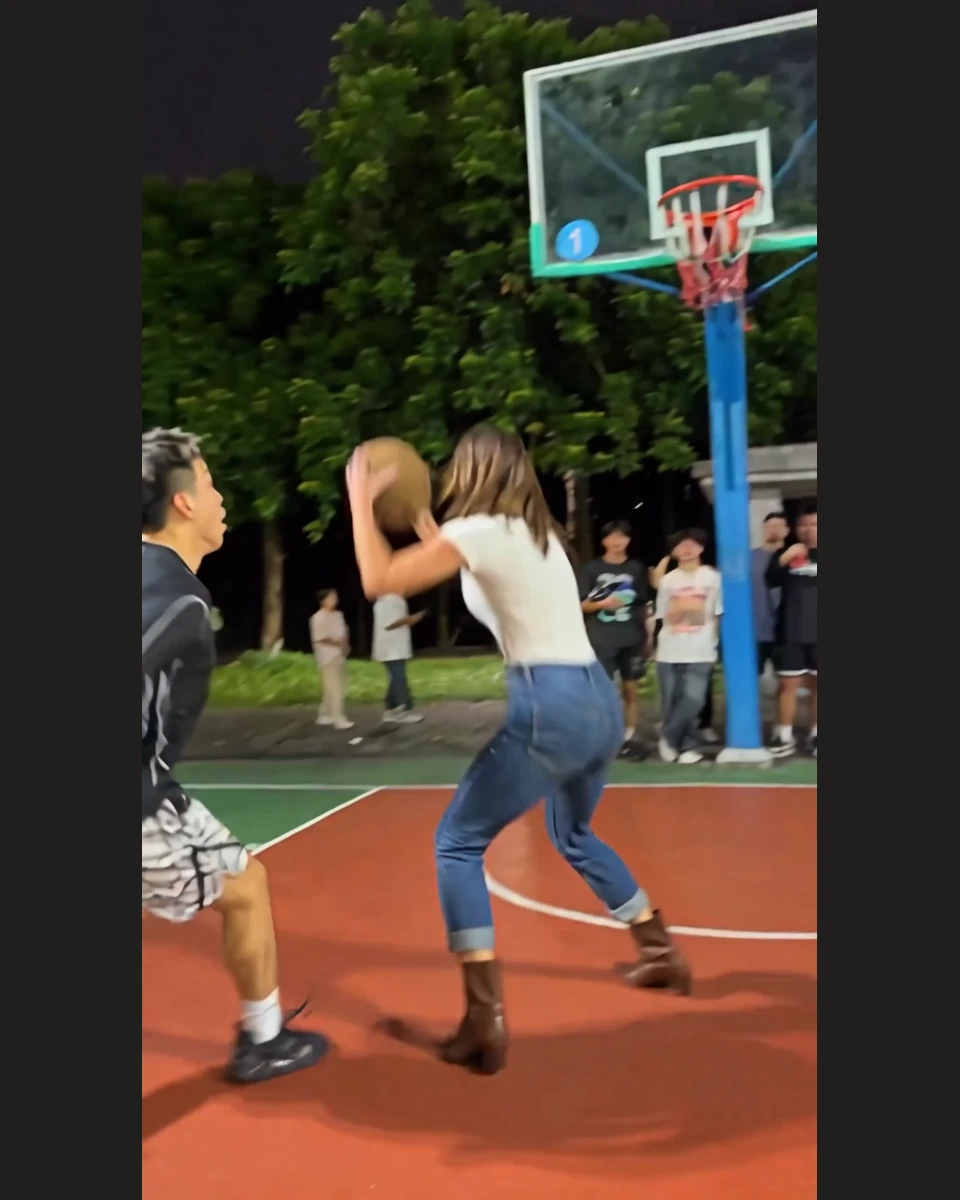
The Takeoff
A dramatic leap toward the hoop sets up the move.
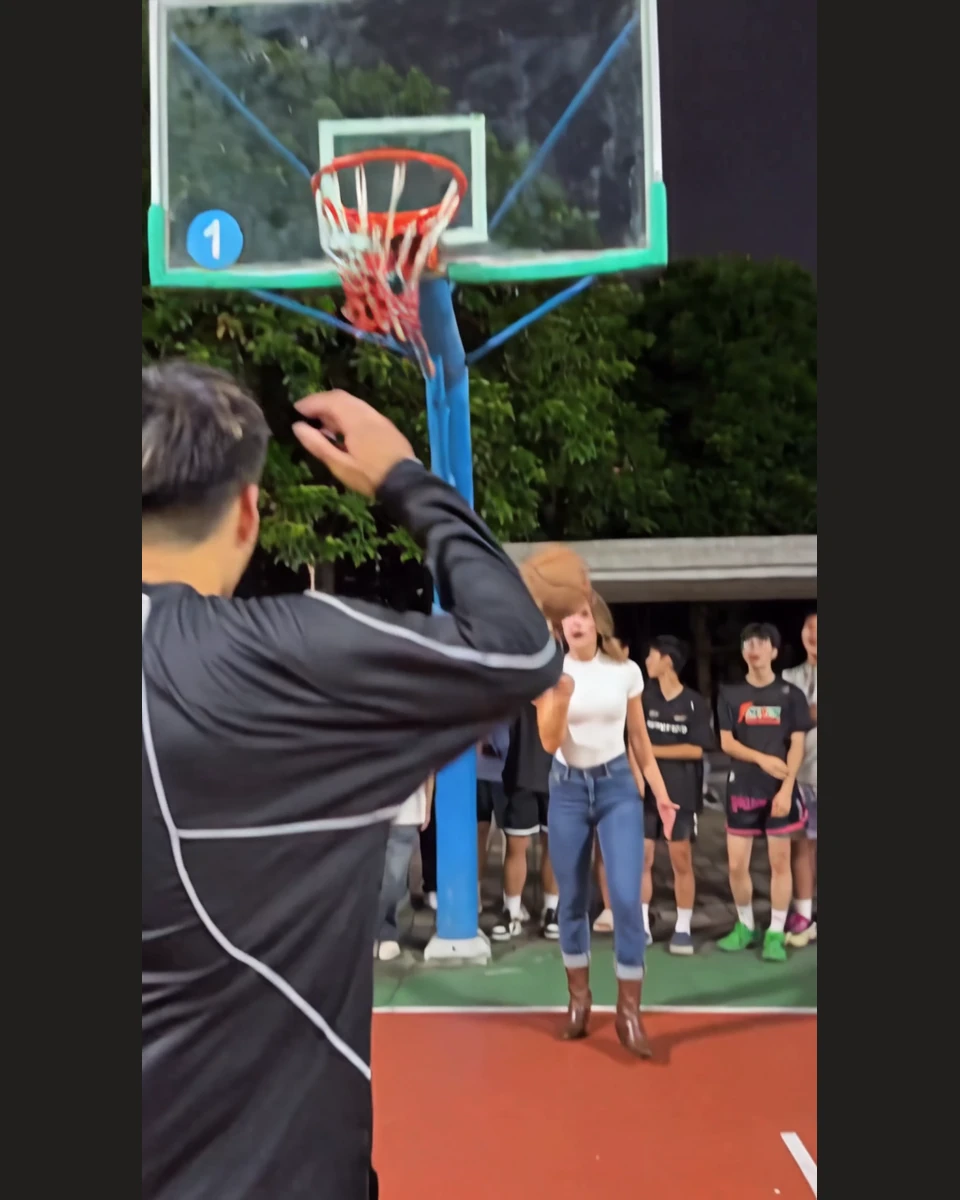
The Defender's Reaction
The defender completes the unforgettable basketball moment.
You Dunk. Your Friend Defends.
Take the dunker's spot and put a friend on defense—or switch places.
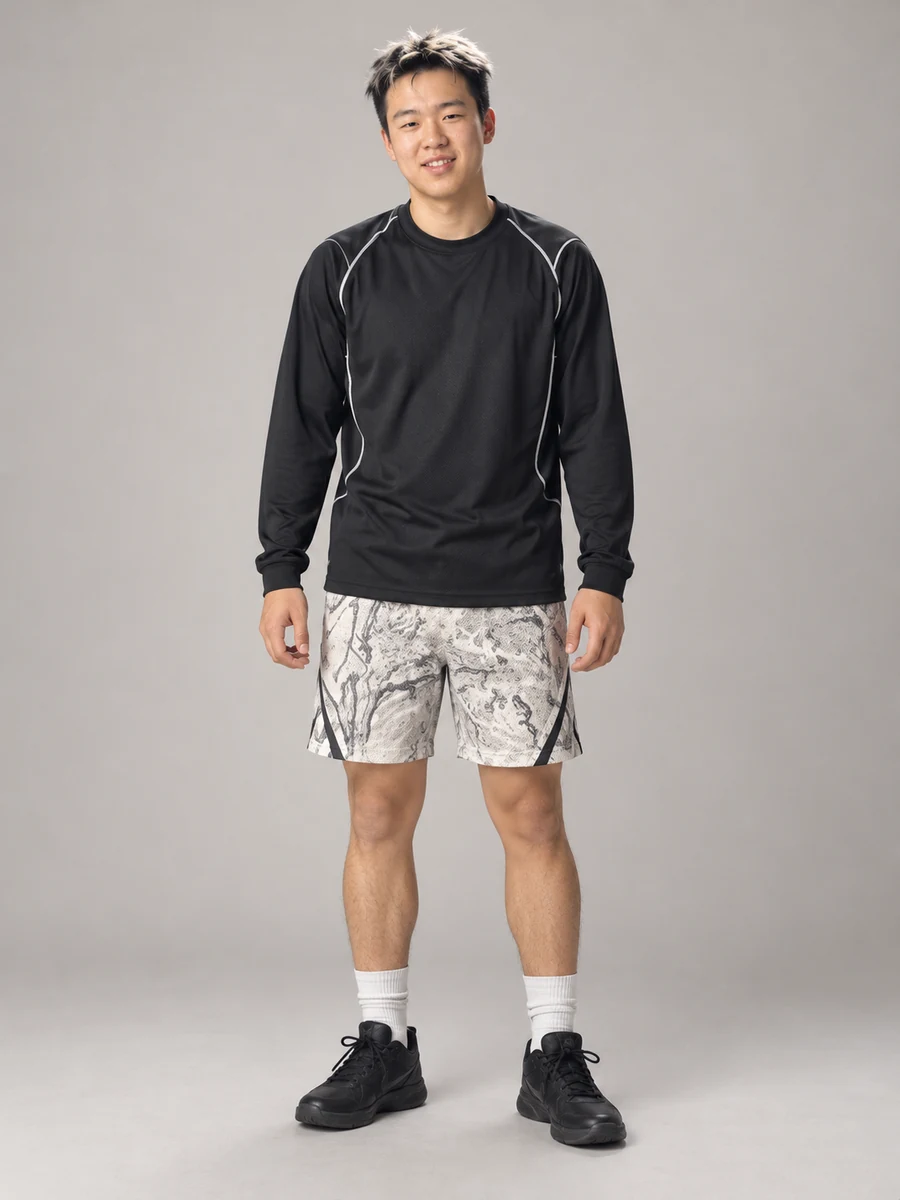
Your photos recreate both full players in this basketball scene, not just their faces. Keep the dunker and defender roles clear, then make your version without filming or writing a prompt.
Add Your Photos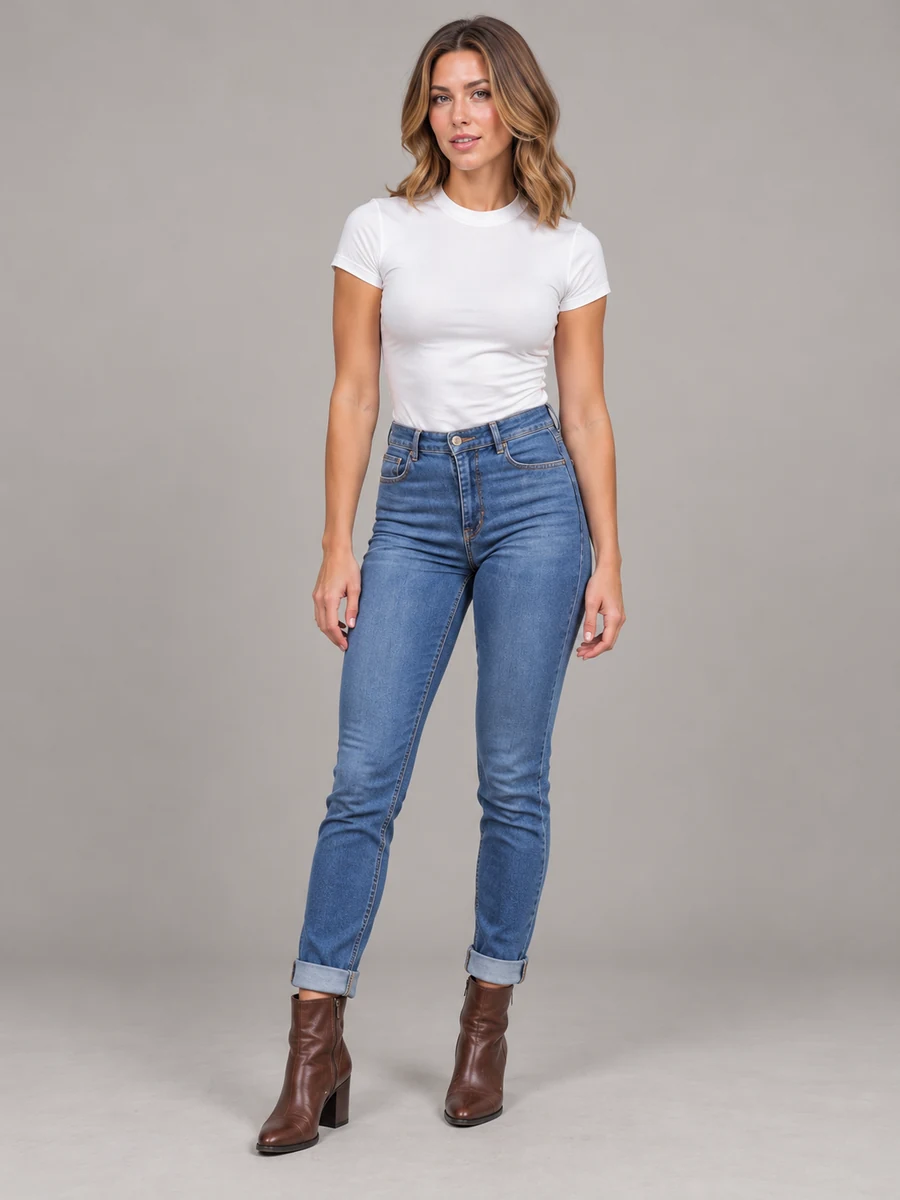
How to Make a Middle Finger Dunk AI Video
Three quick steps to create the basketball meme online from two photos. No filming, video editing or prompt writing needed.
- 01
Upload two photos
Add yourself as the Dunker and a friend as the Defender.
- 02
Choose your settings
Select the video quality and how many videos to make.
- 03
Generate and download
Click Generate. Your video will appear in My Creations when it is ready.
What Is the Middle Finger Dunk AI Trend?
Middle Finger Dunk AI is a viral 1v1 basketball meme from October 2026, featuring an exaggerated airborne dunk, a middle-finger taunt and a defender's reaction. Ikat lets you recreate the Original Basketball sequence with yourself and a friend using two photos.
Why Is It Also Called "Mon prime 1v1 basket"?
AI remakes of this basketball trend also appear under the French caption "Mon prime 1v1 basket" ("my prime 1v1 basketball"). You may also see "Bro did an emote mid dunk" or "basketball middle finger trend" when searching for related clips. Different edits and templates can vary; Ikat's Original Basketball version keeps the same reference scene while recreating its two main players from your photos.
- Player photos
- 2
- Video length
- 9s
- Vertical format
- 9:16
Middle Finger Dunk AI FAQ
Still have a question? Write to support@ikat.app.
Where can I make a Middle Finger Dunk AI video with my photos?
Use the Middle Finger Dunk AI video generator on Ikat. Upload two photos, one for the Dunker and one for the Defender, select your video settings, and click Generate. You do not need to film a basketball scene or use editing software.
What photos work best for Middle Finger Dunk AI?
Upload two clear photos, one for each player. Good lighting, a visible face, and a single person in each photo help the AI recognize who to recreate.
Can I choose who gets dunked on?
Yes. The Dunker is the player making the move, and the Defender is the player on the receiving end. Switch the photos if you want to swap roles.
Do I need to film a basketball video or write a prompt?
No. The Original Basketball template already includes the move. Upload your two photos and make your own version.
Is "Mon prime 1v1 basket" related to the Middle Finger Dunk AI trend?
"Mon prime 1v1 basket" ("my prime 1v1 basketball") is a caption associated with AI remakes of the viral October 2026 basketball dunk meme. Different remakes may show different scenes; Ikat uses the two-player Original Basketball template.
Does Ikat replace just the faces or the full basketball players?
Ikat uses your two photos to recreate both full players, not just swap their faces. It aims to keep the Original Basketball action, the two middle-finger gestures, and the defender's reaction recognizable in your new video.
Does Middle Finger Dunk AI include sound?
Videos are silent by default. Turn on Generate Audio to let AI create sound effects and ambient audio. The original video's soundtrack is not included. You can add your own music after downloading.
How long is the Middle Finger Dunk AI video?
Your video is 9 seconds long in vertical 9:16 format, ready to watch or share.
How many Credits does it cost?
The Credits needed appear before you generate. The amount depends on the video quality and number of videos you choose.
Where can I find and download my video?
When your video is ready, you can watch and download it from My Creations.
You've Seen the Dunk. Now Put Yourself in It.
Upload two photos and make the basketball moment your own.