

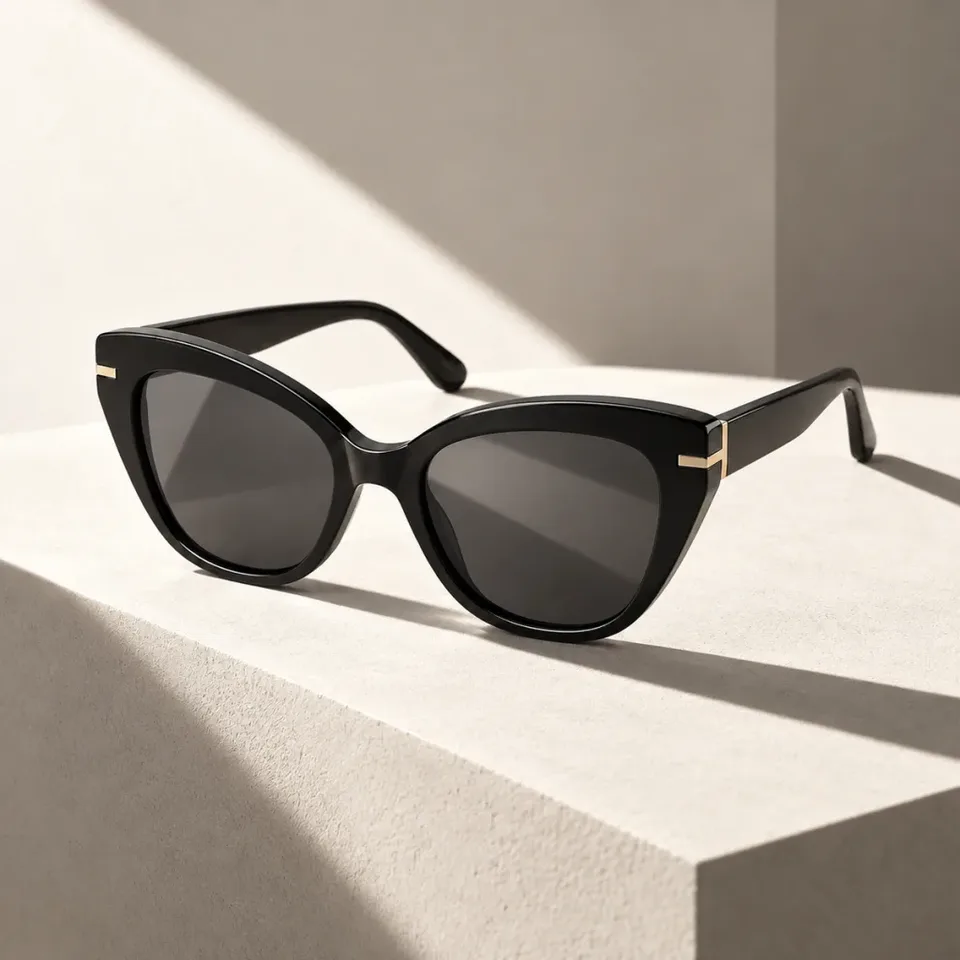
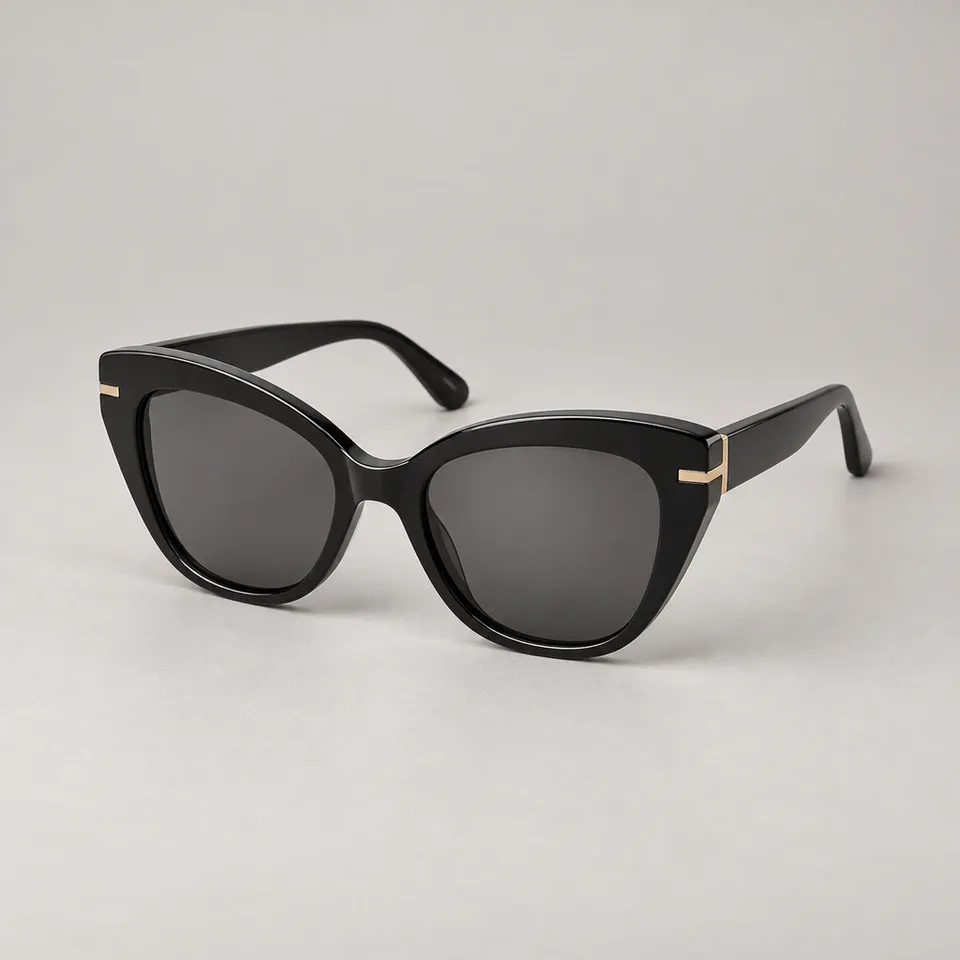
 Before
From the existing Ikat image gallery, not a GPT Image 2.6 generated result.
GPT Image 2.6 AI Image Generator
Create images from prompts or edit a photo with GPT Image 2.6. Choose your settings, check the Credits, and save your creation on Ikat.
- Paid plans: no watermark, commercial use
- Pay once, Credits never expire
Image inspiration from Ikat
Previously published Ikat gallery images, shown to illustrate creative possibilities—not results attributed to GPT Image 2.6.
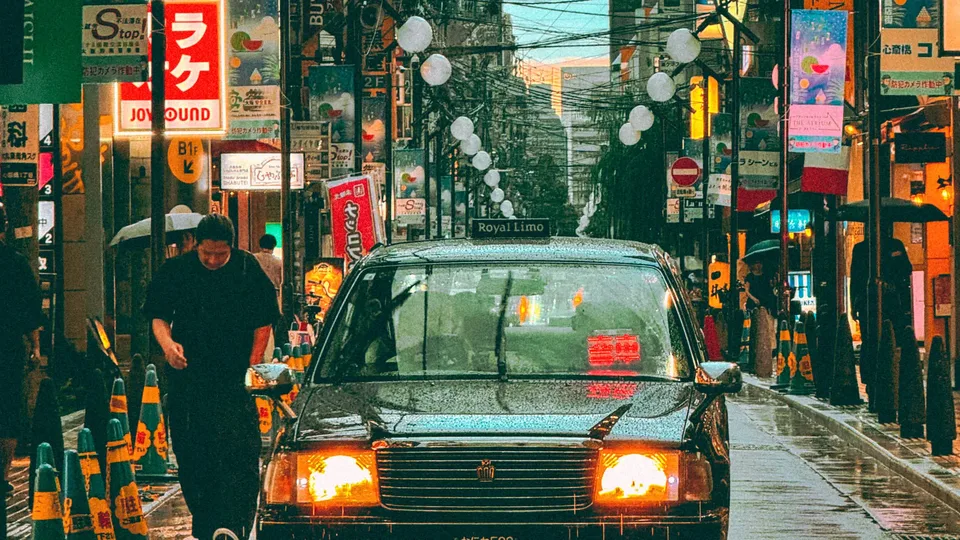
AI Photos
Create portraits, lifestyle scenes, food, interiors, and other photo-style images.
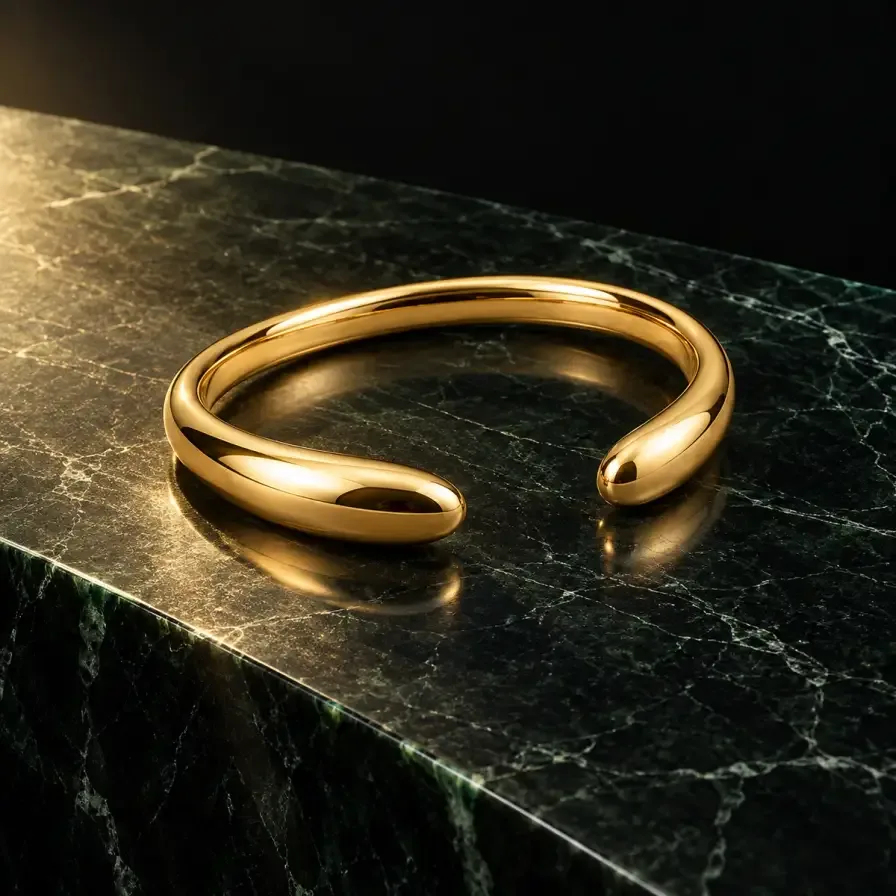
Product Images
Create product concepts, campaign scenes, and clean marketing images from a prompt.
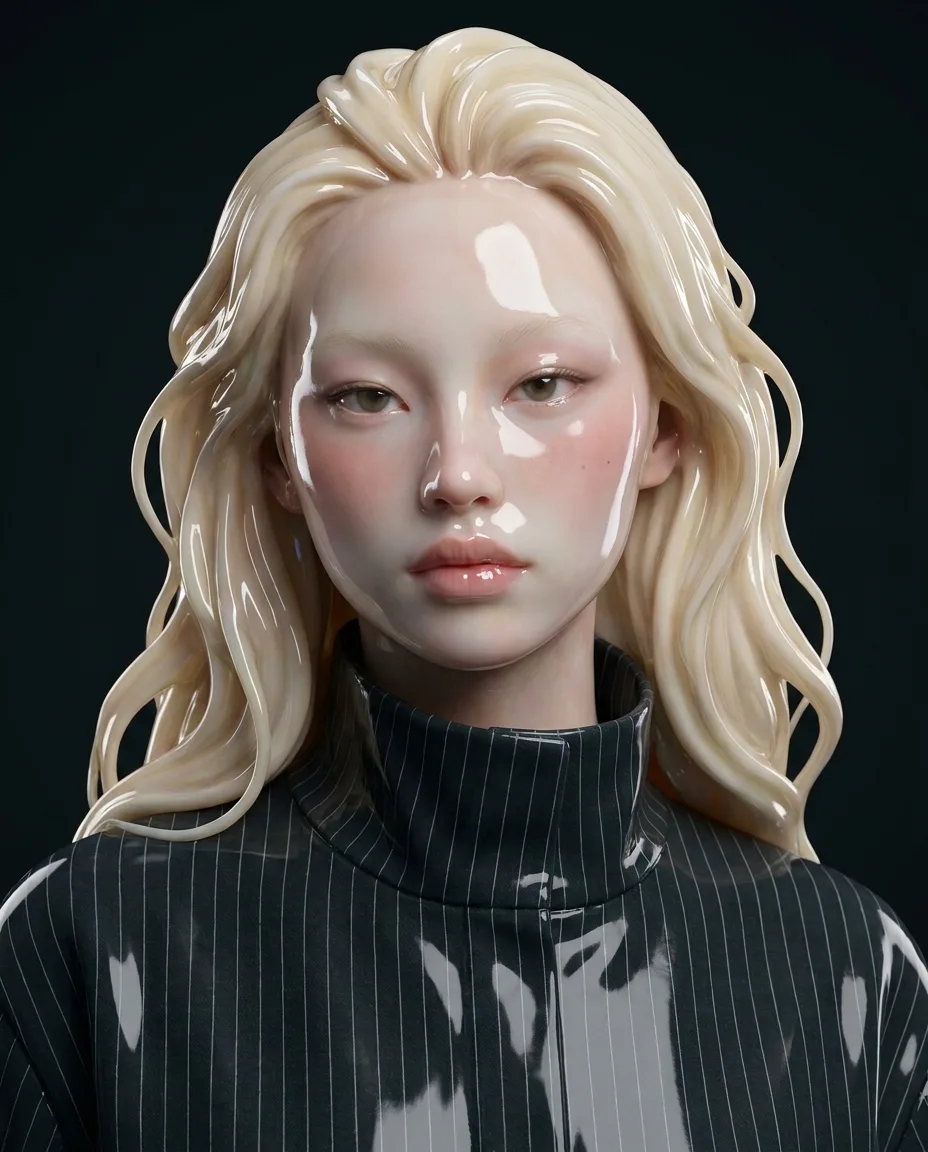
Editorial Portraits
Explore fashion portraits, sculptural styling, material textures, and expressive lighting.
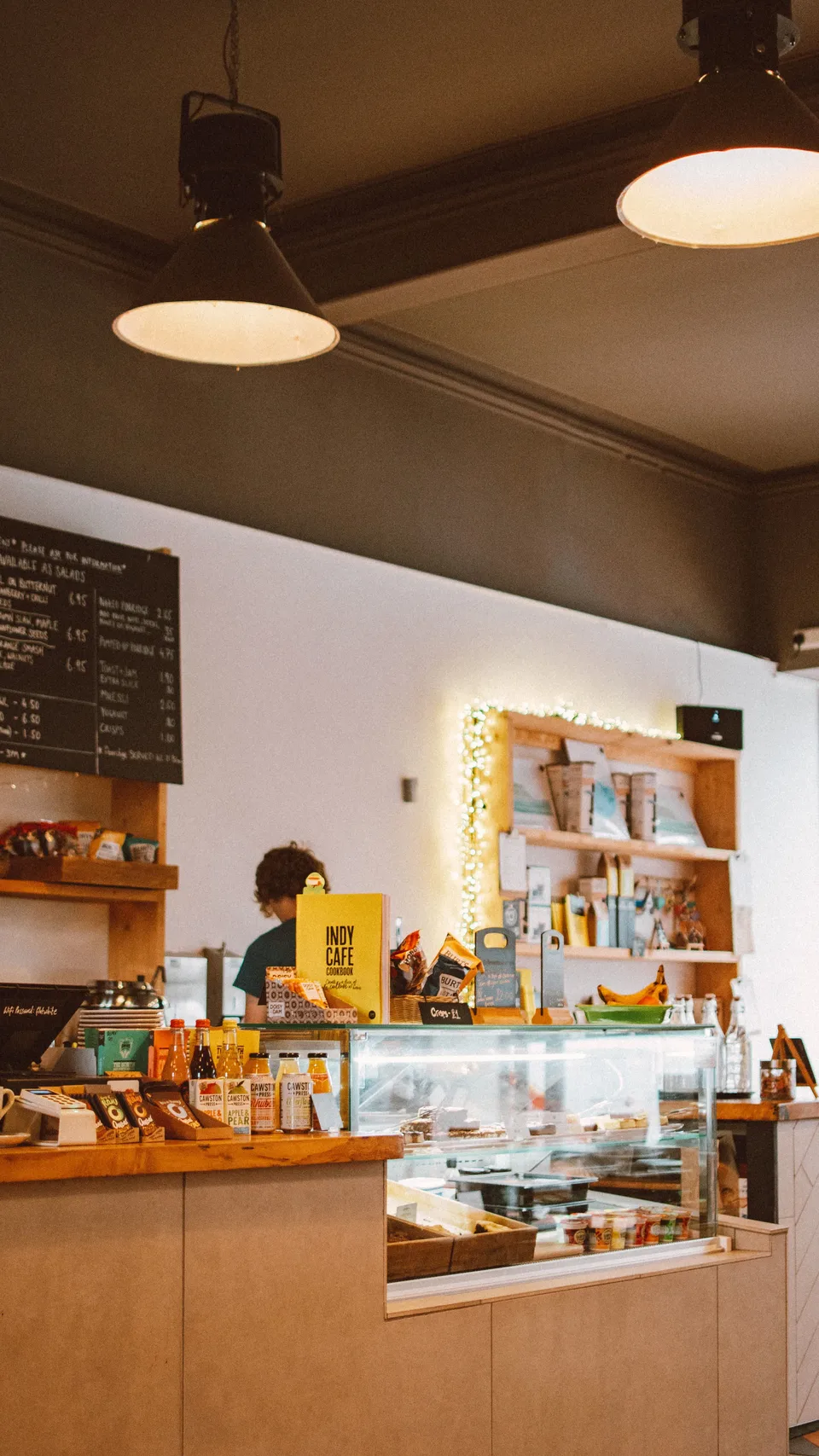
Lifestyle Scenes
Create cafe interiors, inviting spaces, and vertical lifestyle imagery.
Create Images or Edit Your Photos
One familiar Ikat workspace for two image workflows.
GPT Image 2.6 vs GPT Image 2.5
Both work in Ikat's image editor. Choose the model and Credit cost that fit your project.
- GPT Image 2.6
- 8 Credits per 1K Medium PNG image. Text prompts and one-photo editing.
- GPT Image 2.5
- 5 Credits per 1K Medium PNG image. The existing lower-cost option.Explore GPT Image 2.5
How to Use GPT Image 2.6
- Choose GPT Image 2.6Select the model in the image workbench.
- Add your prompt or photoCreate from text, or upload a reference image for editing.
- Generate and downloadConfirm the Credits and save your PNG in My Creations.
GPT Image 2.6 FAQ
Still have a question? Write to support@ikat.app.
What is GPT Image 2.6?
GPT Image 2.6 is an image generation and editing model. On Ikat you can create from text or edit a photo using a prompt.
Can I edit an existing photo?
Yes. Upload one reference photo, describe the change and choose an aspect ratio. AI edits can affect unexpected details.
Which output formats are available?
Ikat currently delivers GPT Image 2.6 creations as PNG files. SVG and animated GIF are not offered in this release.
How many Credits does GPT Image 2.6 cost?
Each 1K Medium PNG image uses 8 Ikat Credits, for text generation or photo editing. The price is shown before you generate.
Is GPT Image 2.6 available with free Credits?
GPT Image 2.6 requires a purchase. GPT Image 2.5 remains available under the existing free-generation rules.
Where are my finished images?
Completed images are saved in My Creations, where you can view and download them.
Explore More Image Tools
Create with GPT Image 2.6
Choose the model and review your Credits in the generator above.
Back to generator